Ui
Open-source components, blocks, and AI agents designed to speed up your workflow. Import them seamlessly into your favorite tools through Registry and MCPs.
Open-source components, blocks, and AI agents designed to speed up your workflow. Import them seamlessly into your favorite tools through Registry and MCPs.
npx @creative-tim/ui@latest add all
[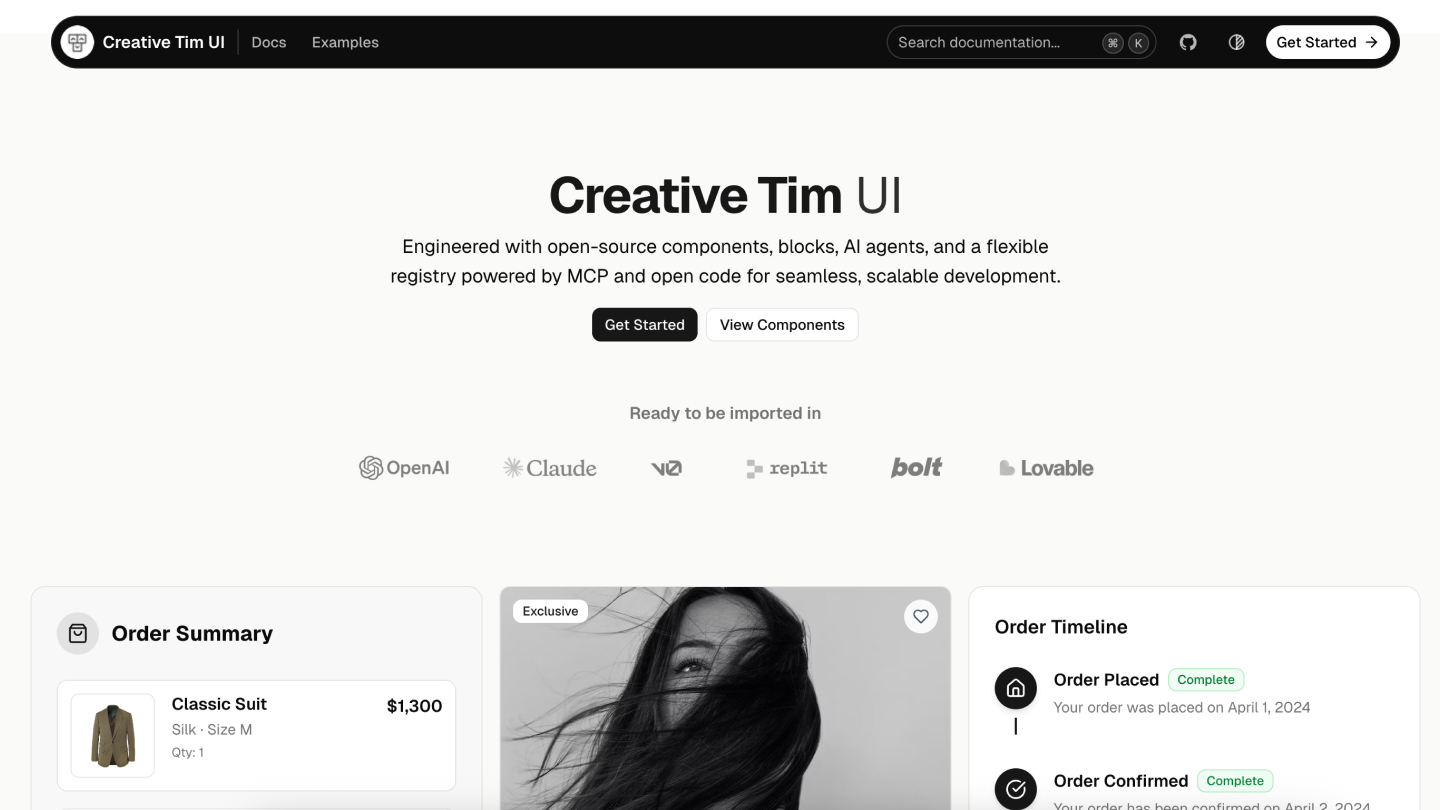](https://creative-tim.com/ui) # Creative Tim UI [Creative Tim UI](https://creative-tim.com/ui) is a comprehensive component library built on top of [shadcn/ui](https://ui.shadcn.com/) to help you build modern web applications faster. ## Overview Creative Tim UI provides pre-built, customizable React components and blocks designed for building beautiful, production-ready web applications. The CLI makes it easy to add these components to your Next.js project. ## Installation You can use the Creative Tim UI CLI directly with npx, or install it globally: ```bash # Use directly (recommended) npx @creative-tim/ui@latest add # Or using shadcn cli npx shadcn@latest add https://creative-tim.com/ui/r/all.json ``` ## Prerequisites Before using Creative Tim UI, ensure your Next.js project meets these requirements: - **Node.js 18** or later - **shadcn/ui** initialized in your project (npx shadcn@latest init) - **Tailwind CSS** configured ## Usage ### Install All Components Install all available Creative Tim UI components at once: ```bash npx @creative-tim/ui@latest add all ``` This command will: - Set up shadcn/ui if not already configured - Install all Creative Tim UI components to your configured components directory - Add necessary dependencies to your project ### Install Specific Components Install individual components using the `components add` command: ```bash npx @creative-tim/ui@latest add ``` Examples: ```bash # Install the orb component npx @creative-tim/ui@latest add card ``` ### Alternative: Use with shadcn CLI You can also install components using the standard shadcn/ui CLI: ```bash # Install all components npx shadcn@latest add https://creative-tim.com/ui/r/all.json # Install a specific component npx shadcn@latest add https://creative-tim.com/ui/r/button.json ``` All available components can be found [here](https://creative-tim.com/ui/docs/components) or explore a list of example blocks [here](https://creative-tim.com/ui/blocks). ## Blocks Explore our collection of ready-to-use blocks organized by category. Each block is fully customizable and can be added to your project with a single command. ### Application UI Modals 5 Blocks Account 7 Blocks Billing 5 Blocks ### Marketing Testimonial Sections 17 Blocks Contact Sections 15 Blocks Footers 16 Blocks FAQs 6 Blocks Blog 15 Blocks ### Ecommerce UI Ready-to-use blocks for product listings, shopping carts, and checkout flows. Ecommerce Sections 14 Blocks ### Web 3.0 Innovative sections built for decentralized applications, blockchain projects, and crypto platforms. Web 3.0 Cards 5 Blocks ## Contributing If you'd like to contribute to Creative Tim UI, please follow these steps: 1. Fork the repository 2. Create a new branch 3. Make your changes to the components in the registry. 4. Open a PR to the main branch. Please read the [contributing guide](/CONTRIBUTING.md). ## Copyrights and Licenses Creative Tim UI is built upon the incredible work of the open source community: - **[shadcn/ui](https://ui.shadcn.com/)** - The documentation structure, registry system, and foundational (atomic) components are from the open source work in shadcn/ui. [MIT License](https://github.com/shadcn-ui/ui/blob/main/LICENSE.md) - **[Material Tailwind](https://material-tailwind...
A collection of MCP servers.
Chrome DevTools for coding agents
Enhanced ChatGPT Clone: Features Agents, MCP, DeepSeek, Anthropic, AWS, OpenAI, Responses API, Azure, Groq, o1, GPT-5, M...
Playwright MCP server
GitHub's official MCP Server
🚀 The fast, Pythonic way to build MCP servers and clients.